

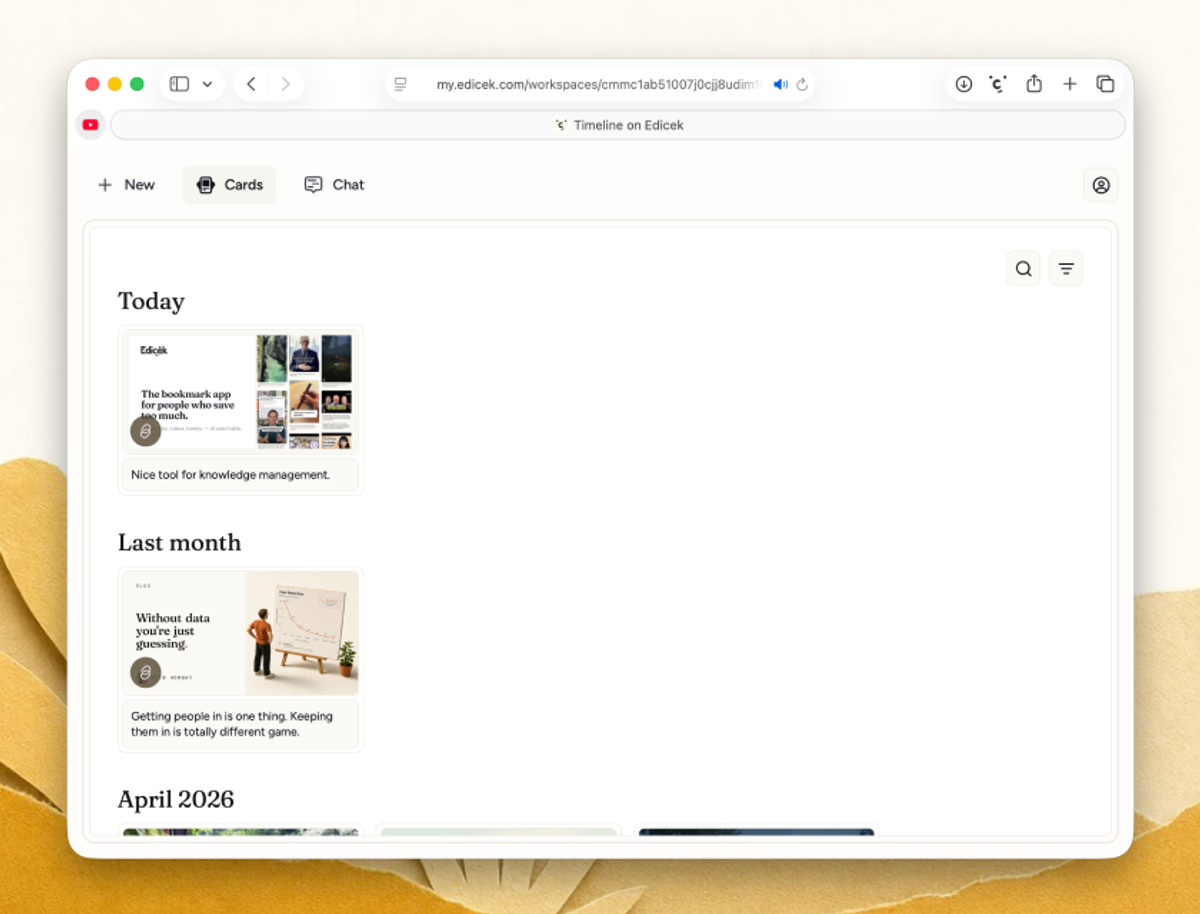
Your home base
Everything you save lands in your timeline - articles, notes, YouTube videos, tweets, and more. The newest sits right at the top, so your latest saves are always the first thing you see. Open any card to visit the original link or add and edit your note. From here you can pull anything back up with Search or bring it into a conversation with Chat.Save from the app
You don’t need to leave the web app to add something. Click New - the+ in the navigation - and pick what to create: a Bookmark to keep a link with a note about WHY it matters, or a Note to write your own thoughts. Fill it in and save.
For a web page you’re already viewing in your browser, the browser extension is quicker - one click without leaving the tab.
- Bookmark
- Note
Next steps
iPhone & iPad
Edicek on the go.
Mac
The native desktop app.