

GraphQL endpoint
The GraphQL server lives at: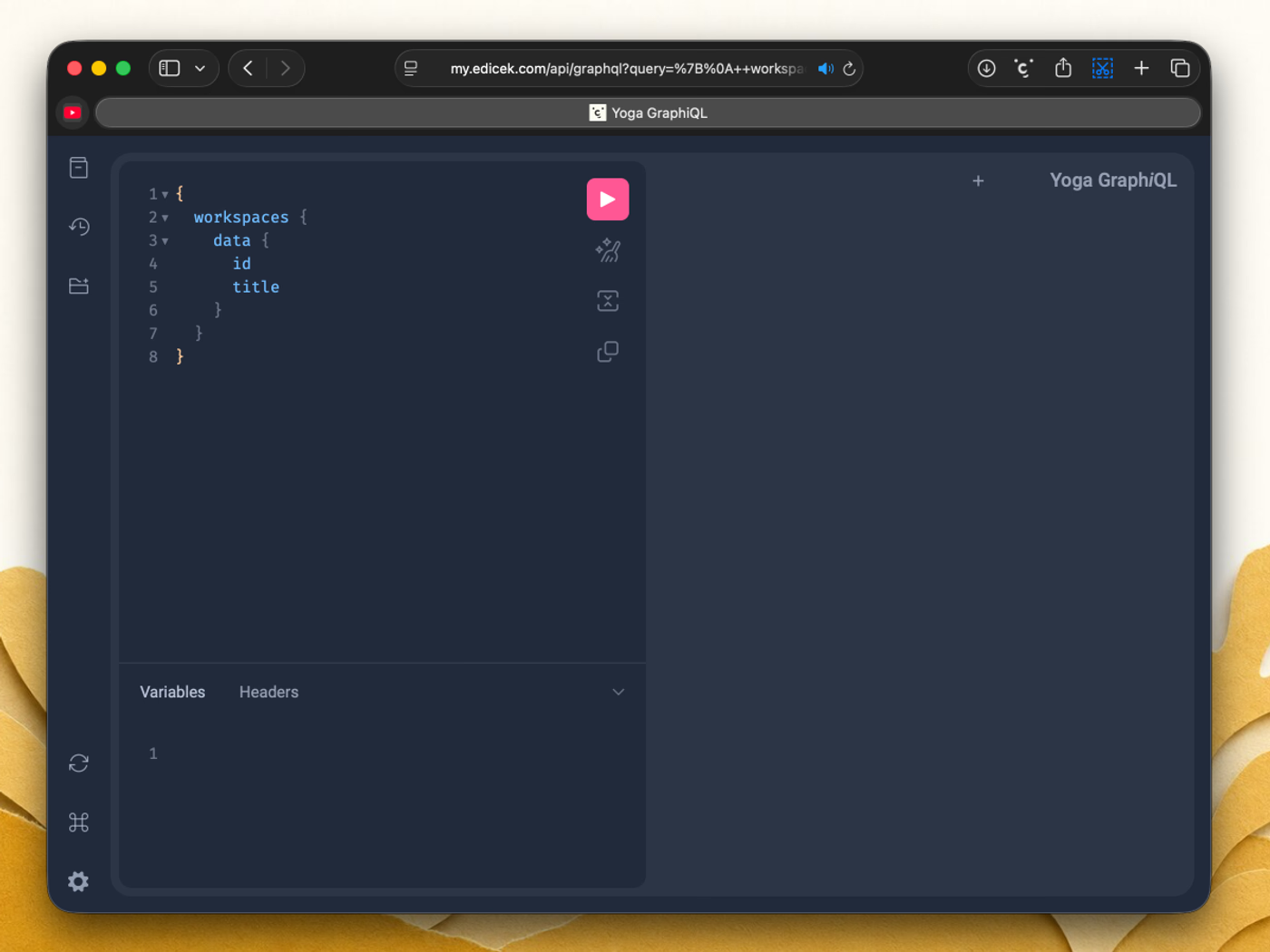
Personal access tokens
Requests are authenticated with a Personal access token that you create in the web app.Personal access tokens can currently be created only in the web app at my.edicek.com - not in the mobile or desktop apps.
1
Open your Profile
In the web app, click your user icon and choose
Profile from the menu.2
Go to Personal Access Tokens
On the Profile page, find the Personal Access Tokens section.
3
Create a token
Click
Create, give it a name, and copy the token value.4
Authorize your requests
Keep the token private - it grants the same access to your content that you have. Send it on every request in the
Authorization header:Scope requests to a workspace
For operations that read or change data inside a specific workspace, include the workspace ID in aworkspace header:
How workspace data is organized
GraphQL introspection shows you every field, but a quick mental model helps you find your way around. Everything here lives inside a workspace - the one your requests target.- Cards are the saved items. A card carries a title, a description, your note (the WHY you saved it), and a type - and it’s built from blocks.
- Blocks are the content inside a card. Each block has a type - a bookmark (a saved link: a generic page, a YouTube or TikTok video, or a tweet), text, or an image. Today a card holds a single block, and its type matches the card’s type. This is where the real content lives: URLs, images, transcripts, snapshots.
- Chats are conversations with the AI; a chat holds its messages and links back to the cards it used as sources.
- Searches are natural-language queries, each tied to the cards it returned.
- Files are the media - images, video, HTML snapshots - that blocks point at.
Your first request
Here’s the whole flow in the Playground, from a token to a list of your cards.1
Create a token
Follow Personal access tokens above to create one, and copy its value.
2
Add the token to the Playground headers
Open the Playground at the endpoint and, in its Headers panel, authenticate every request:
3
Query your workspaces
Run this to list the workspaces your token can reach:
4
Add a workspace ID to the headers
Copy the
id of the workspace you want, then add a workspace header alongside the token:5
Query your cards
Now fetch the cards in that workspace:
6
You did it!
That’s a full round trip - authenticated, scoped to a workspace, and reading your own data.From here, open the endpoint in your browser and explore the Playground: the schema lays out everything you can fetch and change, from your cards to chats and searches.
Tips
Explore in the Playground first - Build and check your queries against the live schema before moving them into code. It’s the fastest way to see what fields are available. One token per integration - Create a separate token for each script or tool you connect. If you ever need to revoke one, the others keep working.Next steps
CLI
Export your cards to Markdown for use with other agents.
Help & feedback
Stuck on something with the API? Reach out - we’re happy to help.